Microsoft Word
MS Word Free Download to create, edit, format, and collaborate on eye-catching documents.
Safe & Secure
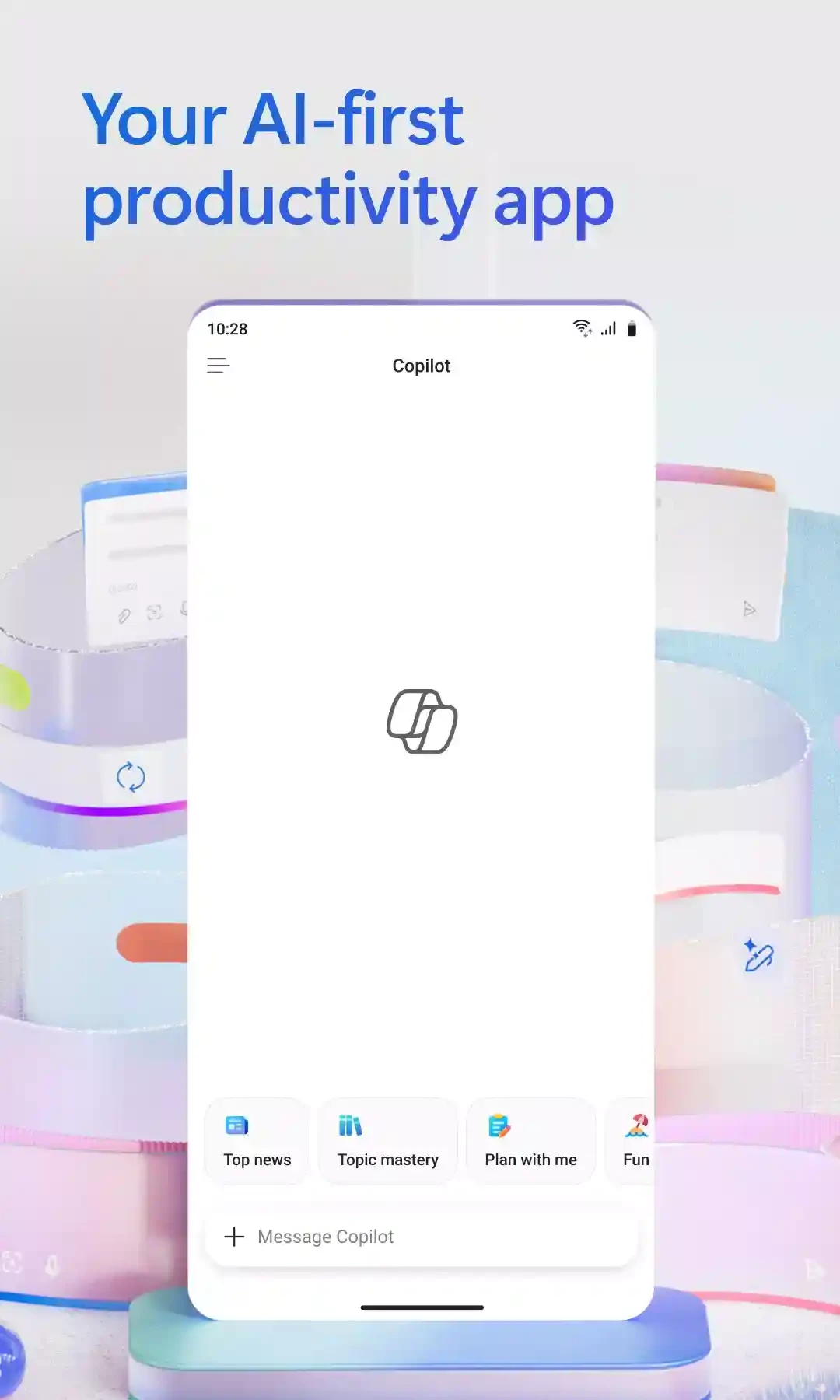
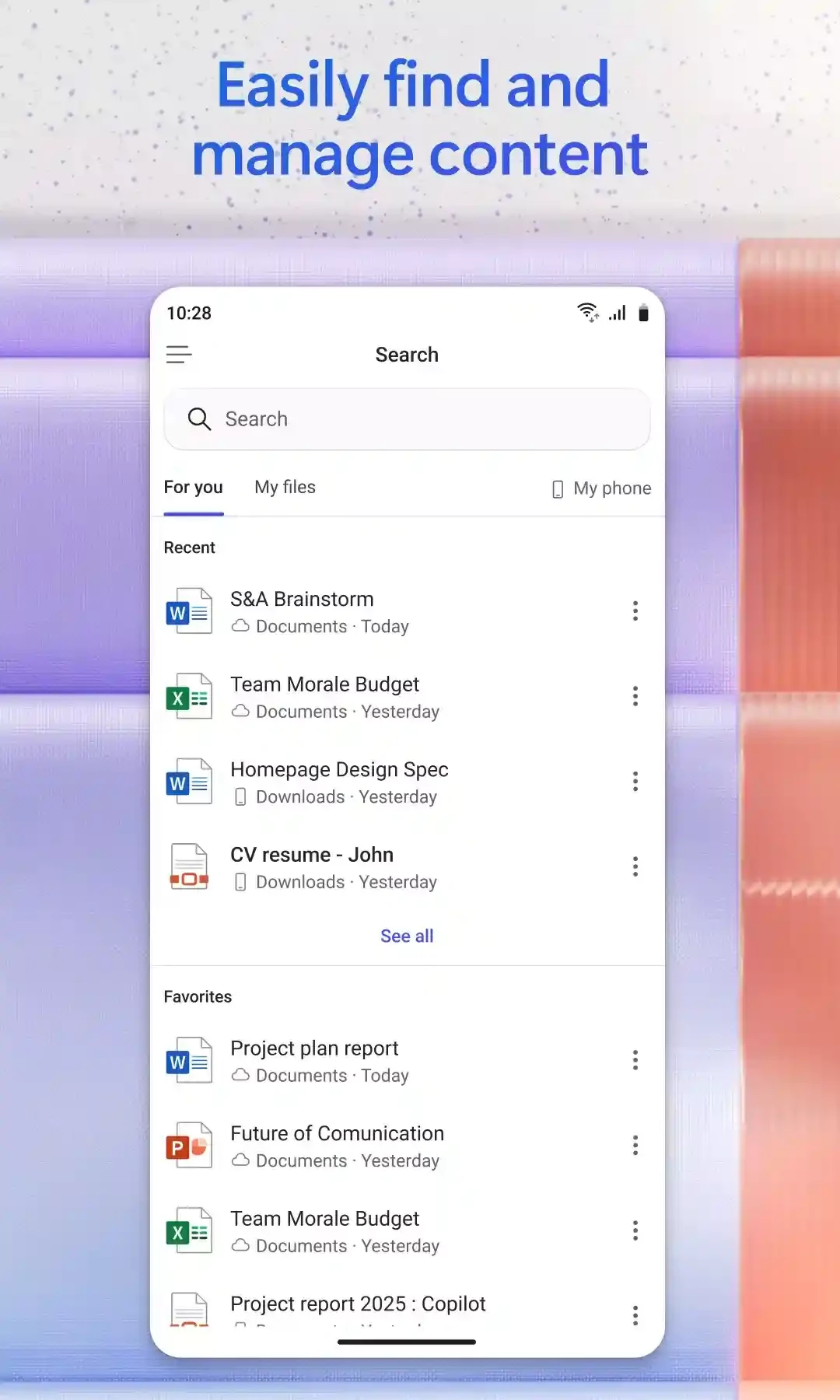
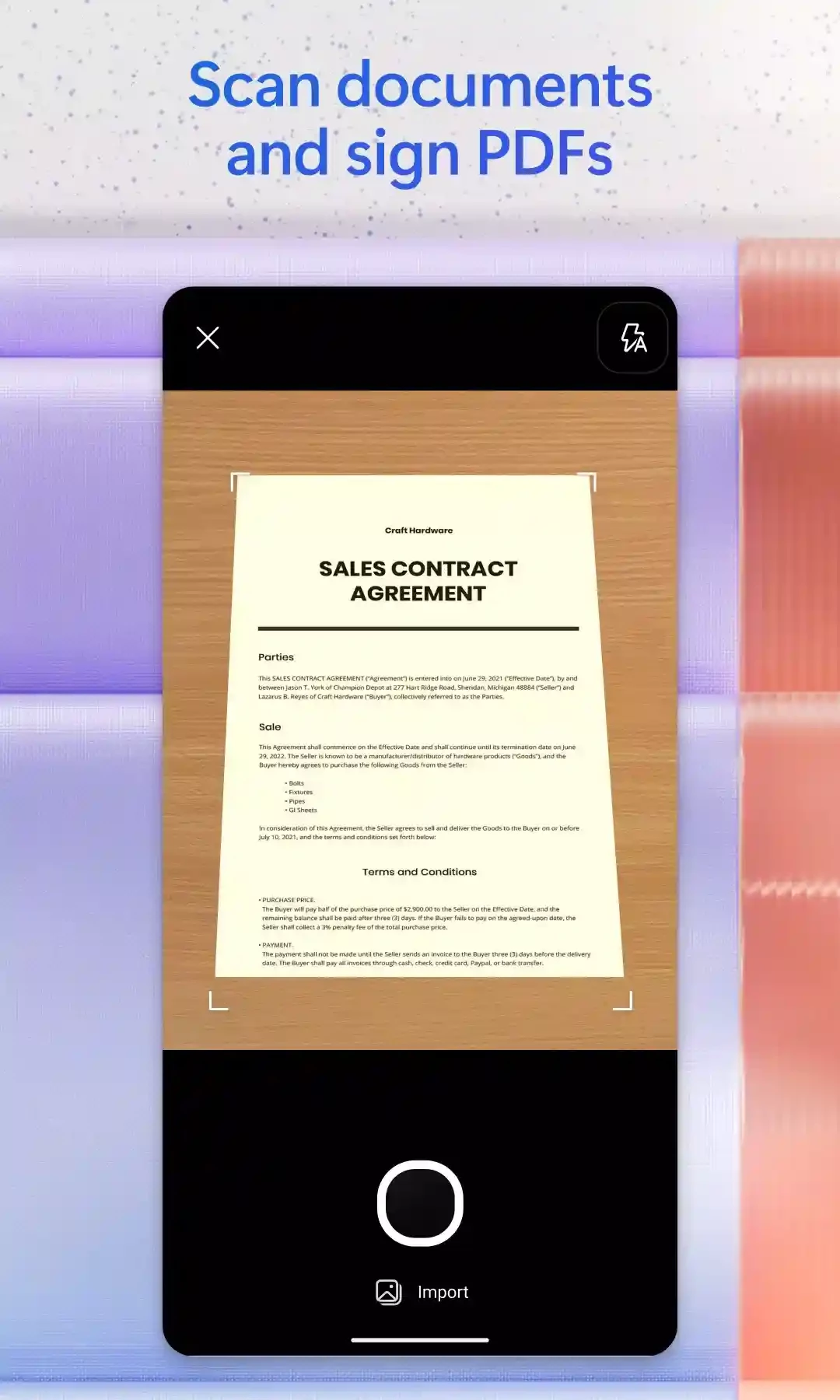
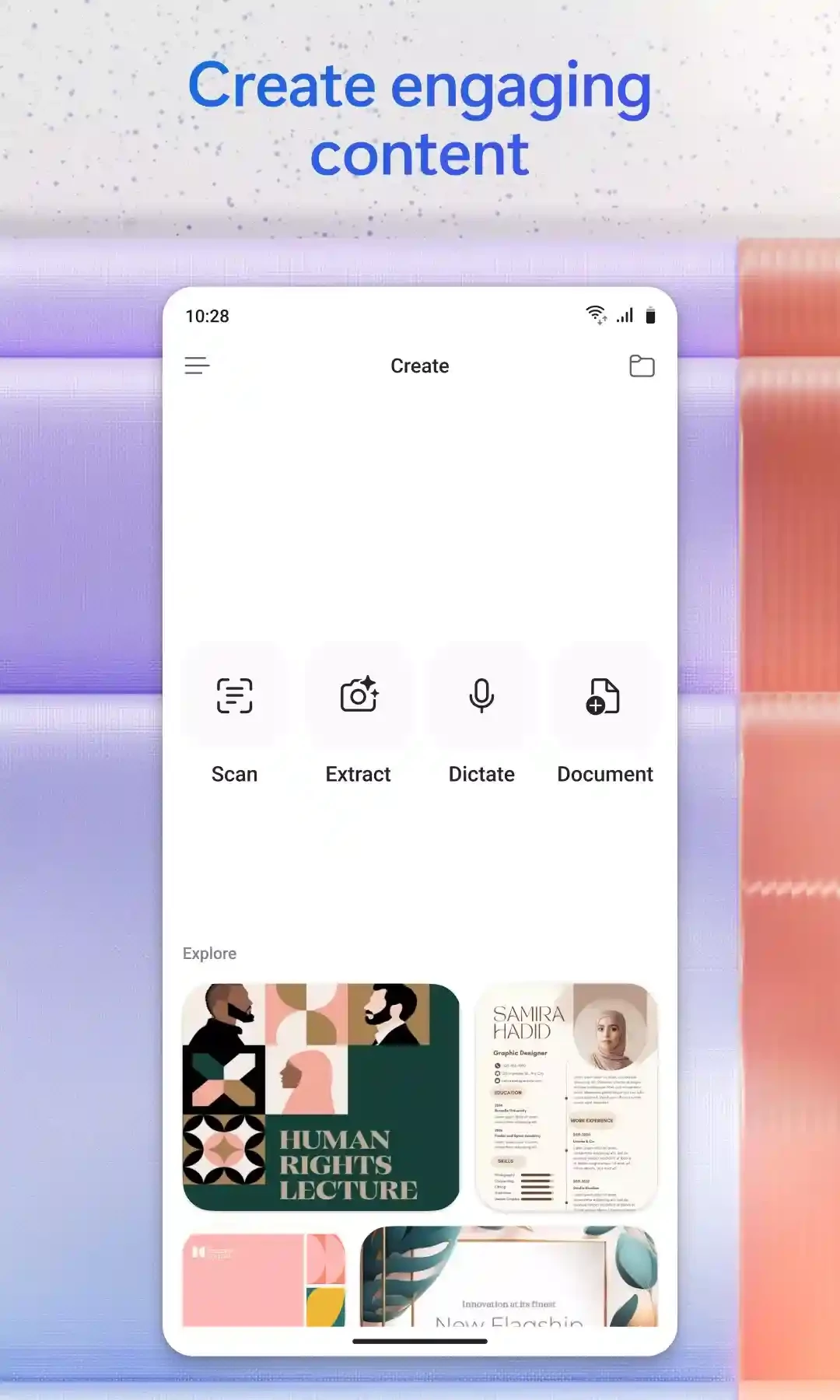
Microsoft Office 365 for Android is a freeware office suite that includes all the popular productivity apps offered by Microsoft. It is one of the most trusted platforms to manage your personal and professional tasks. The integration with cloud services offers quick access to your workflow from anywhere.
The cross-platform utility offers enhanced functionality, enabling users to utilize all productivity apps, including Word, Excel, and PowerPoint, in various scenarios such as schools, offices, and other businesses.
Microsoft Office 365, commonly known as MS Office 365, is the latest version of MS Office developed by Microsoft and released in 2013. It falls under the Writing & Notes category. It offers a subscription business model to avail all services with it, and also features updates included in the lifetime subscription plan.
The Android version allows users to manage their documents, such as access, view, and edit. It offers three main productivity apps, including Word, Excel, and PowerPoint, and works similarly to the desktop version. There are different types of subscription plans for your ease in selecting and purchasing.
The software is the best solution to run a business or any organization, while offering all core applications of Microsoft, such as Excel, Word, PowerPoint, Access, Publisher, and Outlook, which are part of the Office 365 family. It streamlines the workflow while giving access to any program or file from anywhere, and saves your time and energy. You will also get 60 minutes/month per user for Skype and OneDrive with 1TB storage.
The software offers updates automatically for adding new features, fixing bugs, and lot of other functionalities. It is compatible with all popular digital devices, including Windows, Mac, iOS, and Android devices.
The program offers multiple innovative tools for refining the abilities of different applications, such as reliably editing non-Word documents with the help of WordPerfect, and using Outlook for navigating Excel, Word, and other such applications. So, the flexible, user-friendly interface for mobile makes your access to any Office service quick, even when you are away from your desktop.
The mobile-friendly interface offers awesome capabilities for creating or editing Word documents, PowerPoint presentations, and Excel spreadsheets while maintaining the quality of work. It is the best solution for users who remain on the road and have an expanding team, and enables them to communicate, comment, and access files from anywhere.
Likewise, you can jot notes using OneNote, Climchamp for creating videos and capturing screenshots. It is also equipped with an AI-powered application called Copilot for summarizing your content, generating images or videos, writing articles, and lot of other capabilities. Multiple creation applications, including Forms and Designer, are also available.
The app is embedded with versatile and shareable capabilities by default, and one best solution for evolving work environments in the digital age. It is available in different scenarios to offer services; whether you are a student, teacher, business owner, etc.
It is highly accessible within multiple subscription plans, while offering options such as monthly or yearly such as;
The mobile version of Microsoft Office 365 supports multiple file formats such as DOCX, XLSX, PPTX, PDF, and so on. It also enables viewing older Office formats, including .DOC, .XLS, PPT, etc., along with compatibility to older Office format, it also enables converting or exporting files to other formats as well.
The software is also integrated with OneDrive and enables users to store their Word documents, Excel spreadsheets, or PowerPoint presentations online. It enables you to access your stored content from anywhere and sync it across multiple devices. In addition, the real-time collaboration allows users to work together on their projects without location limitations.
It makes it possible to work offline on the files that are downloaded on your mobile beforehand. So, no need for internet, simply open files using your local storage, and make changes if you like. On reconnecting to the internet, all of the changes you have made will be synced with your cloud storage automatically.
Pros
Cons

MS Word Free Download to create, edit, format, and collaborate on eye-catching documents.

Microsoft Excel to create, edit, view, and share spreadsheets with limited functionality
Google Docs offers versatile and flexible text formatting within a powerful mobile word processor

Google Sheets, the cloud-based utility, offers quick creation, editing, and collaboration with offline support

Adobe Acrobat Reader to view, edit, print, and share PDFs